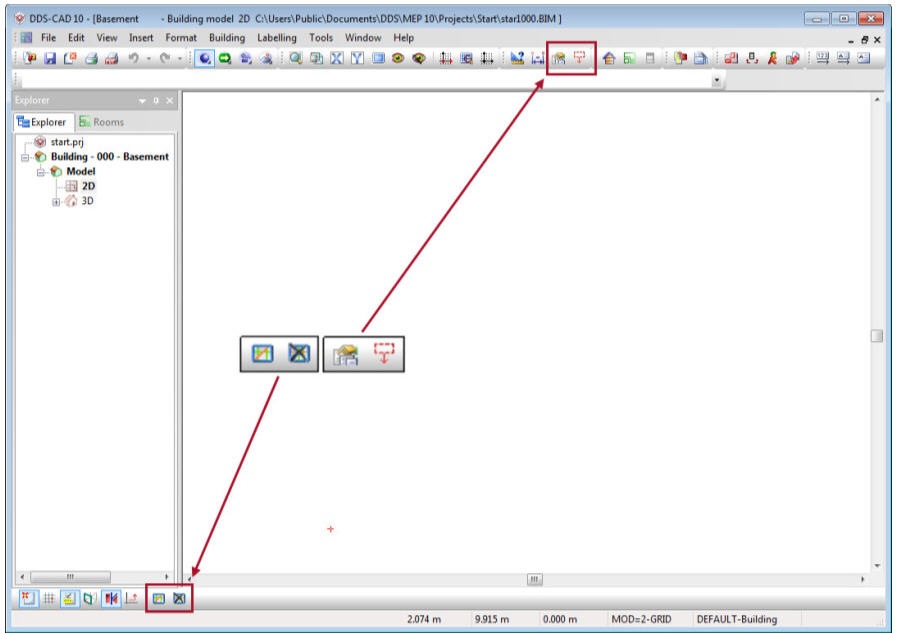
Optimized user interface
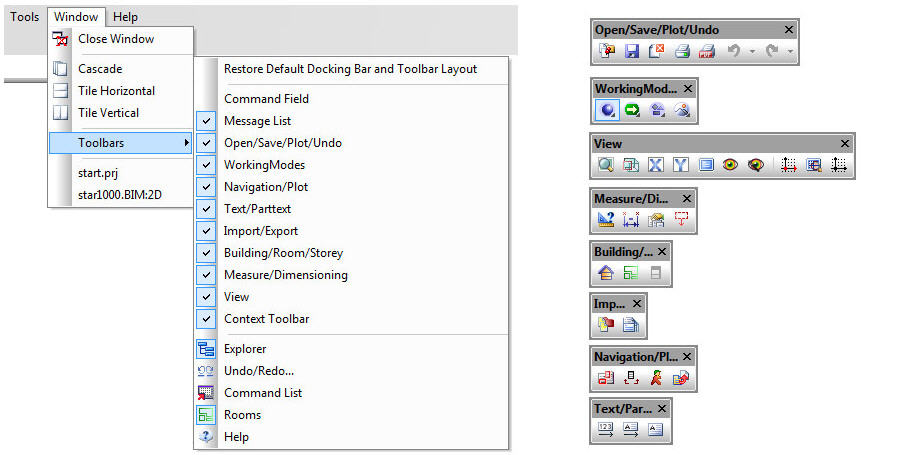
Toolbars divided into additional elements
For DDS-CAD 10, the adjustments to the user interface have been continued from version 9. Now you can create a custom user interface even better.
The Main Toolbar was separated into smaller independent elements. Each individual element can dock itself to all sides of the screen as a window or floating object. Of course, you can enable or disable the individual elements as required.
Cleaned context specific toolboxes
The toolboxes of the different disciplines were cleaned of all general functions. These can now be found at the following locations:
-
Help Geometry in the Options toolbar, at the bottom left of the screen
-
Find and Edit Objects and Move Marked Area... [MA] in the Main Toolbar at the top of the screen