Ventilation duct – Terminate
At an object
Example
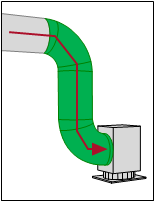
|
You can connect the ventilation duct to an object. DDScad responds to a possible difference in height. |
Required conditions
 The option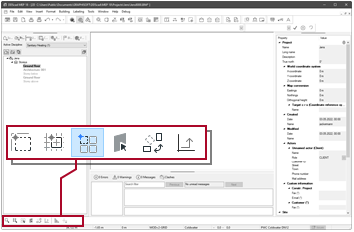
Workflow
-
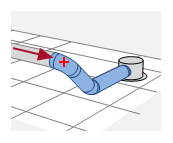
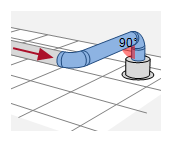
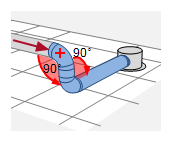
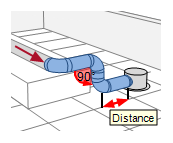
Move the ventilation duct to the object. The object is highlighted. DDScad reacts according to the cursor position.
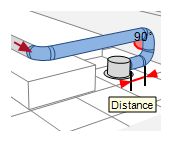
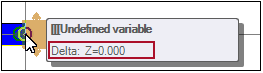
Cursor position clear – Without height change:
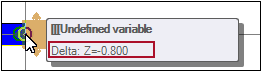
Cursor position clear – With height change:
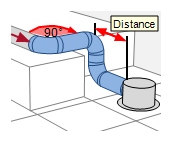
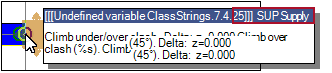
Cursor position ambiguous – Without height change:
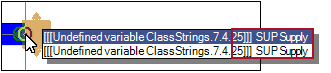
Cursor position ambiguous – With height change:
 . The ventilation duct ends at the connection point. The function remains active. You can set the next starting point.