Automatic PV schema
|
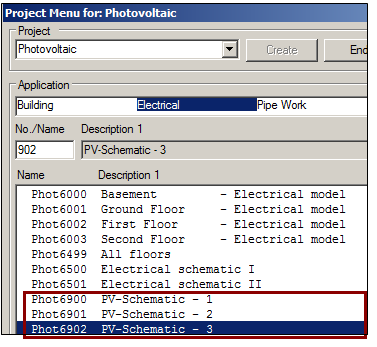
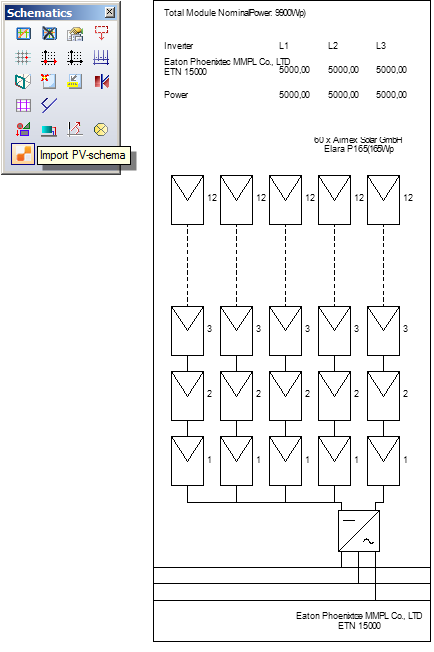
With version 8, you can automatically generate the string schema of the module field that has been last calculated. Define module fields and calculations in Polysun as usual. Next, in the project menu create a System schematic In case your project contains multiple PV fields, follow the following steps. You can first generate all the module fields in the model. After each calculation of a field, you must also generate the corresponding schema before you start the calculation of the next module field. In the project manager, you should create the PV schemas in separate drawings. At a later stage you can consolidate the different drawings into one schema by using “copy & paste”.
|